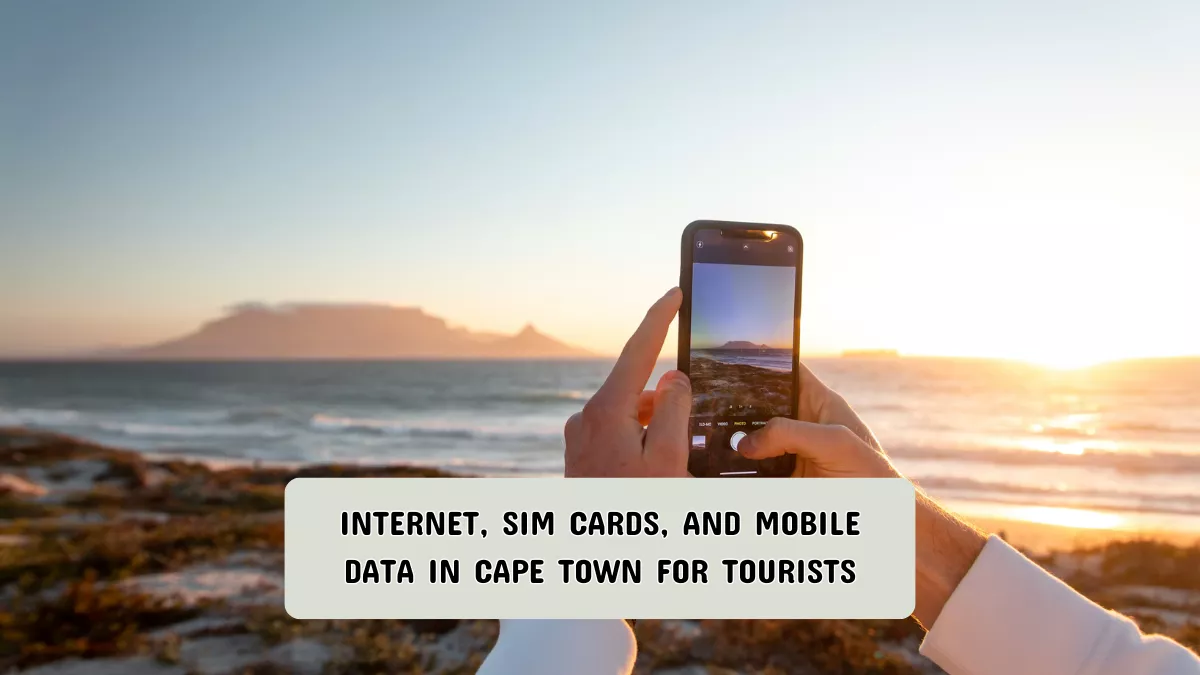
Traveling to Cape Town is exciting, but staying connected can be a challenge. Many tourists arrive without a clear plan for internet access, only to face high roaming charges, slow connections, or confusing local options.
Reliable connectivity is essential for navigation, communication, and sharing experiences, so understanding how to get a local SIM card and mobile data in Cape Town can save time, money, and frustration.
Why Staying Connected Can Be Tricky
Tourists often encounter three main issues with mobile connectivity in Cape Town. First, international roaming plans from U.S. carriers can be expensive and offer limited data. Second, not all local SIM cards are available to foreigners, and some require proof of residence.
Third, mobile coverage can vary between urban areas, suburbs, and rural destinations like Cape Point or Table Mountain. These challenges make it essential to plan ahead before arriving or immediately after landing.
Step 1: Choosing a Local SIM Card
The first step is selecting a local SIM card. The most popular providers in South Africa are Vodacom, MTN, and Telkom. These companies offer prepaid tourist SIM cards that are simple to purchase at the airport, official stores, or select retail outlets. Prepaid SIMs are ideal because they do not require a local bank account and can be topped up easily.
When choosing a provider, consider:
- Coverage: Vodacom has the widest coverage across Cape Town and surrounding areas.
- Data Packages: MTN often offers affordable high-data packages suitable for heavy internet use.
- Validity: Check how long the SIM card lasts and if unused data rolls over or expires.
Bring your passport, as most shops require identification for activation.
Step 2: Buying and Activating Your SIM
Once you’ve selected a provider, follow these steps:
- Purchase: Go to the airport kiosk or a provider’s store. Ask for a “tourist SIM” if available.
- Insert the SIM: Turn off your phone, insert the SIM, and turn your device back on.
- Activation: Most providers automatically activate the SIM, but some require dialing a specific number or sending an SMS. The store staff usually help with this.
- Top-up: Buy a data package immediately to ensure you have internet access from the start. Packages can be daily, weekly, or monthly.
Step 3: Choosing the Right Mobile Data Plan
Selecting the right data plan depends on your usage:
- Light Users: If you only need maps and occasional messaging, a small daily or weekly package (around 500 MB to 1 GB) is sufficient.
- Moderate Users: For social media, email, and light streaming, aim for 3–5 GB per week.
- Heavy Users: For video streaming, navigation, and frequent uploads, consider 10 GB or more.
Compare plans carefully. Some providers charge extra if you exceed your limit, while others slow your connection. Using a Wi-Fi backup in hotels or cafes can extend your data without extra cost.
Step 4: Using Free and Public Wi-Fi
Free Wi-Fi is widely available in Cape Town, particularly in cafes, shopping centers, and some tourist attractions. While convenient, it comes with some risks:
- Avoid logging into sensitive accounts on unsecured networks.
- Use a VPN if possible for additional privacy.
- Limit heavy downloads to avoid slow speeds.
Combining a local SIM with occasional Wi-Fi access is often the most practical solution for tourists.
Helpful Tips and Common Mistakes to Avoid
- Don’t rely solely on U.S. roaming: Costs are high and speeds may be limited.
- Bring an unlocked phone: Some phones are locked to specific carriers, which prevents using local SIMs.
- Check coverage for planned destinations: Rural areas may have weaker signal.
- Top-up before data runs out: Avoid losing connectivity by topping up early.
- Keep your SIM packaging: It often contains the activation code and emergency contacts.
Conclusion
Staying connected in Cape Town is straightforward once you understand local SIM card options, data packages, and coverage areas. By choosing the right provider, activating your SIM properly, and managing your data usage, you can avoid high roaming charges and enjoy seamless internet access.
Combining mobile data with occasional Wi-Fi ensures reliable connectivity throughout your trip. Planning ahead, keeping your phone unlocked, and following the tips above will make your visit to Cape Town smoother and more enjoyable.
FAQs
Can I use my U.S. phone in Cape Town?
Yes, if your phone is unlocked and compatible with GSM networks. Check with your carrier before traveling.
Are tourist SIM cards expensive?
No, most providers offer affordable packages starting as low as $5–$10 for a week of data.
How fast is mobile data in Cape Town?
In urban areas, 4G is standard and 5G is available in some zones. Speeds can drop in rural or mountainous areas.
Do I need a passport to buy a SIM?
Yes, South African law requires identification for SIM activation. A passport is sufficient for tourists.
Can I keep the SIM card for multiple trips?
It depends on the provider. Some cards expire after a few weeks or months without top-ups. Check the validity when purchasing.